
A compliance update lands on a Friday, and the deadline is Wednesday. The course is still a stack of slides, the SME is in another time zone, and the LMS only accepts SCORM. At that point, the licence fee is not the true cost. The wrong tool is. The best elearning authoring tools fit your builder, your governance model, and your delivery constraints without forcing a rebuild every time policy changes.
Ireland shows why that matters. Eurostat reported strong online learning participation in the country, with Irish users leading the EU on both engagement and course completion, while the EU average sits much lower. That is a clear signal for buyers in the UK and Ireland. Shortlists should favour tools that support accessible, updateable training and that fit public-sector or EU procurement routes where pricing and purchasing routes need to be clear.
Table of Contents
- 1. Articulate 360 Storyline 360 and Rise 360
- 2. Adobe Captivate
- 3. iSpring Suite
- 4. Lectora
- 5. dominKnow ONE
- 6. Create by Confirm
- 7. Easygenerator
- 8. Evolve Authoring
- 9. H5P.com hosted H5P
- 10. Learning Pool Authoring
- Top 10 eLearning Authoring Tools: Feature Comparison
- Turning This Shortlist Into a Confident Decision
1. Articulate 360 Storyline 360 and Rise 360
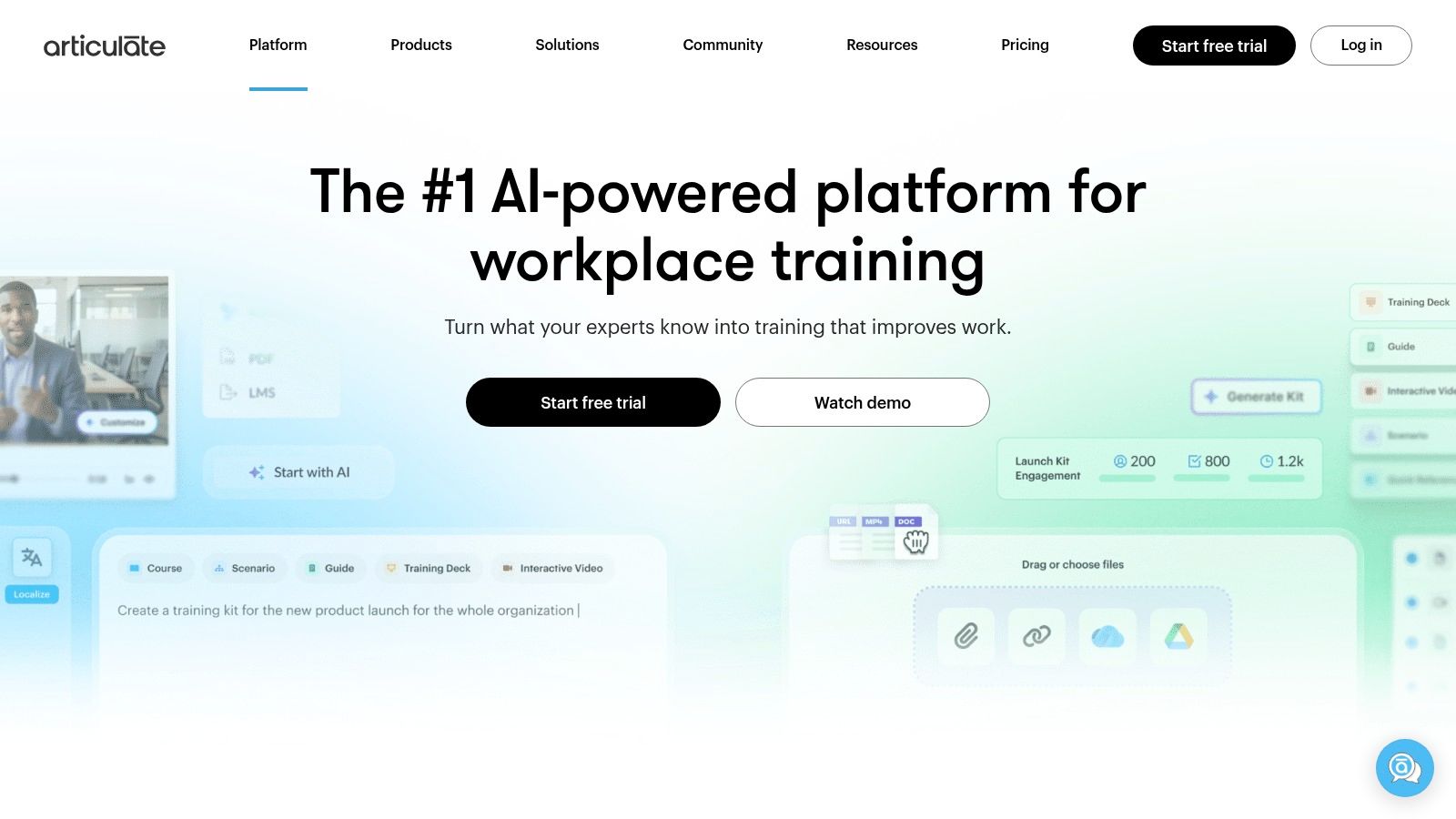
Articulate 360 stays on many shortlists because it gives you two build styles in one subscription. Rise 360 is fast for responsive, block-based modules. Storyline 360 handles deeper branching, variables, and custom interactions. That mix suits teams that need quick policy refreshes and more customised scenarios from the same licence pool.
For PowerPoint-first teams, the learning curve is modest at the start, especially if the work already relies on clear slides and structured reviews. The tool is also widely recognised, which helps with hiring and contractor handoffs. If your team brings in freelancers or shares work across departments, that familiarity reduces friction.
The trade-off is depth versus control. Storyline takes real skill to use well, and Rise can feel limited when you need heavy custom logic or a distinct visual treatment. UK and Irish buyers should also check procurement fit early, because pricing visibility and purchasing routes matter when public-sector approval is part of the process.
Articulate 360 pricing is presented publicly on the product side, and the suite is priced from $1,499/year for personal plans and $1,749/year for teams, according to the overview cited here.
Practical rule: choose Articulate when you need one platform for quick updates and advanced interactivity. Skip it if your team wants one simple workflow and nobody has time to learn Storyline properly.
Best for: mixed teams, instructional designers, and organisations that need both speed and depth.
Less suited to: very small teams that only produce straightforward courses.
The website is Articulate 360.
2. Adobe Captivate
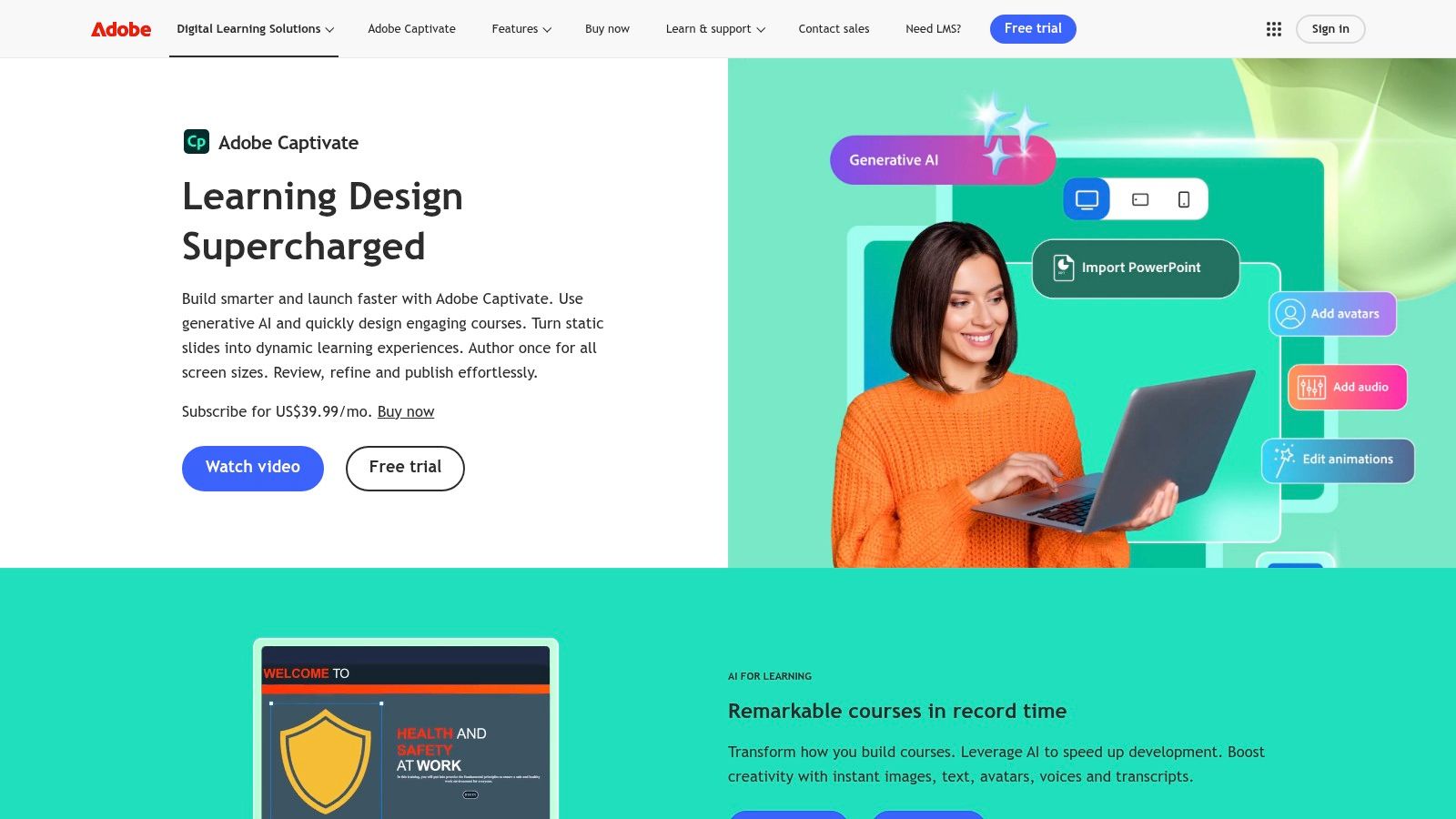
Adobe Captivate is still strongest where software simulation matters. If your course needs clicks, screen states, hotspots, or step-by-step systems training, Captivate gives you more native simulation thinking than many rapid tools. It also suits teams that already live in Adobe workflows and want one more Adobe licence rather than a separate training stack.
What it does well
Captivate is a good match for product demos, systems walkthroughs, and software onboarding. The modernised UI is a plus if you've avoided it in the past, and it supports SCORM and xAPI outputs. For a team standardising on structured script-to-video workflows, this script-to-video process guide is useful as a companion approach.
What to watch
The learning curve is real. Advanced interactivity takes patience, and subscription pricing can vary by channel, which makes procurement conversations less straightforward than with tools that publish simpler packages. It's also not the best choice if your team needs lightweight collaboration and fast stakeholder edits every day.
Some tools make editing easy. Captivate makes simulation depth easier. Those are not the same thing.
Best for: systems training, software training, and experienced authors who want responsive output.
Less suited to: teams that need a low-friction, highly collaborative cloud workflow.
The website is Adobe Captivate.
3. iSpring Suite

iSpring Suite is the obvious candidate when the team is PowerPoint-first. It sits inside PowerPoint, so subject-matter experts and L&D leads can work in a familiar environment instead of learning a new canvas from scratch. That usually shortens ramp-up time and reduces the handover friction that slows down policy and onboarding updates.
Why buyers pick it
The main strength is predictability. The workflow is straightforward, the packaging is public, and the tool is good for converting slide decks into SCORM or xAPI courses with narration, quizzes, and screen recordings. For regulated teams, that kind of directness matters more than an endless feature list.
Where it falls short
iSpring is less flexible than Storyline or Lectora when you need highly custom logic. It is also Windows-first, so Mac-heavy teams need to plan around that early. If your output depends on highly branded interaction patterns or advanced scenario logic, it may feel limiting.
Pricing is visible in the research brief, with iSpring Suite starting at roughly $970/year per author and Suite Max around $1,290/year per author iSpring Suite pricing and capability summary. That makes it easier to compare against procurement budgets than quote-only tools.
Best for: SMEs, HR teams, compliance teams, and PowerPoint-heavy organisations.
Less suited to: complex bespoke interactions and Mac-first authoring teams.
The website is iSpring Suite.
4. Lectora
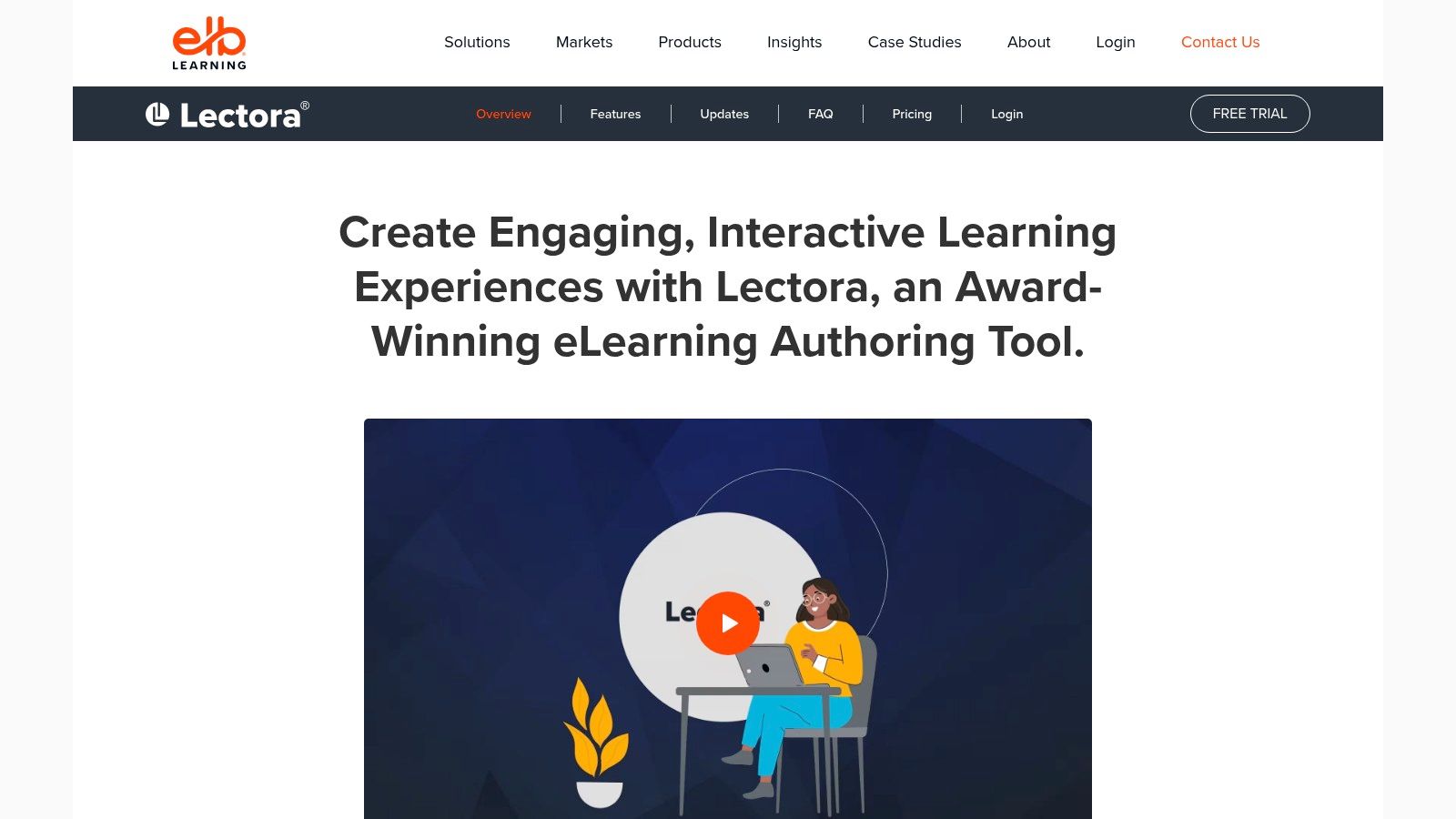
Lectora is the tool buyers reach for when accessibility and governance matter more than prettiness. It handles complex branching, object-level control, and structured workflows well. That makes it a serious contender for organisations that have to prove how content was reviewed, who changed it, and whether accessibility checks were done.
Where it suits
This is a strong fit for enterprise governance, compliance teams, and accessibility-led programmes. It also works for complex learning paths that would become messy in simpler slide-based tools. The subscription includes desktop and online versions, which helps different authors work the way they prefer.
Where it struggles
Lectora asks for time. The interface is heavier than rapid SaaS tools, and novice authors usually need more coaching before they build confidently. Pricing is also quote-led at the higher end of the market, which can make it harder to compare on a spreadsheet unless procurement has already accepted a more enterprise-style buying route.
For teams trying to close the gap between pilot work and scalable production, this practical note on the pilot-to-production problem is worth reading alongside your trial plan.
Useful test: ask every shortlisted tool how a reviewer, a compliance approver, and an LMS admin would each work through one update. If the answer feels improvised, the tool will probably slow you down later.
Best for: regulated organisations, accessibility-heavy teams, and complex branching courses.
Less suited to: small teams that need something lightweight and intuitive.
The website is Lectora.
5. dominKnow ONE
dominKnow ONE is strongest when the actual problem is not course creation, but managing a lot of content over time. It combines slide-style and responsive authoring with collaboration, reuse, versioning, and simulation support. That makes it a practical pick for teams with several product lines, multiple brands, or a large content estate.
What it's good at
The biggest advantage is lifecycle management. If you maintain recurring modules, policy variants, or multiple outputs from the same source, dominKnow gives you more structure than many rapid tools. It is also a credible option when you need SCORM or xAPI publishing and want governed collaboration in one place.
Where it's harder
Feature richness can feel heavy for smaller teams. The tool is not cheap, and pricing is quote-based in the current public-facing materials. For small organisations that only publish a handful of short courses, it can be more platform than they need.
dominKnow suits content operations teams more than one-off course builders. That is the distinction to keep in mind.
The website is dominKnow | ONE.
6. Create by Confirm

Create by Confirm, formerly Elucidat, is built for enterprise-scale, branded course production. It is a cloud authoring option for teams that want consistent layouts, governed templates, and a closer link between authoring and wider enablement workflows. That makes it attractive where the client wants one shared system instead of a loose bundle of tools.
Where it works
The tool is a good fit for brand-sensitive organisations that need quality control at scale. It supports rapid authoring patterns, text-to-speech, localisation support, and course analytics. The combination of templates and governance is what makes it stand out, not flashy novelty.
Where it can frustrate
Pricing is not public, so buyers need a sales process before they can validate fit. That matters for public-sector and UK or Irish procurement teams that have to work through approvals before committing. Vendor lock-in is also a real concern if you expect to move content between platforms later.
For bespoke production teams, this guide to bespoke elearning development is a useful comparison point before you decide whether to buy software or outsource delivery.
Best for: enterprise L&D, brand-led training teams, and organisations needing scale with consistency.
Less suited to: buyers who need transparent pricing before procurement starts.
The website is Create by Confirm.
7. Easygenerator

Easygenerator is one of the clearest options for employee-generated learning. It is designed to make content creation simple enough for SMEs and business users, not just instructional designers. That can be valuable in organisations where subject matter is spread across the business and the learning team is small.
Why it gets shortlisted
The tool is appealing because it is transparent about pricing and more open about hosting and security posture than some competitors. It also supports co-authoring, analytics, and SCORM/xAPI export, so it is not just a toy for lightweight content.
Where it hits limits
Easygenerator is not the right choice for very complex custom interactions. Branding flexibility is also more constrained on lower tiers, so design teams may feel boxed in. If you need advanced branching or visually distinctive simulations, you'll probably outgrow it.
That said, for many operational teams, simplicity is the point. A tool that gets more people publishing useful content is often better than a tool only one specialist can tame.
The website is Easygenerator.
8. Evolve Authoring
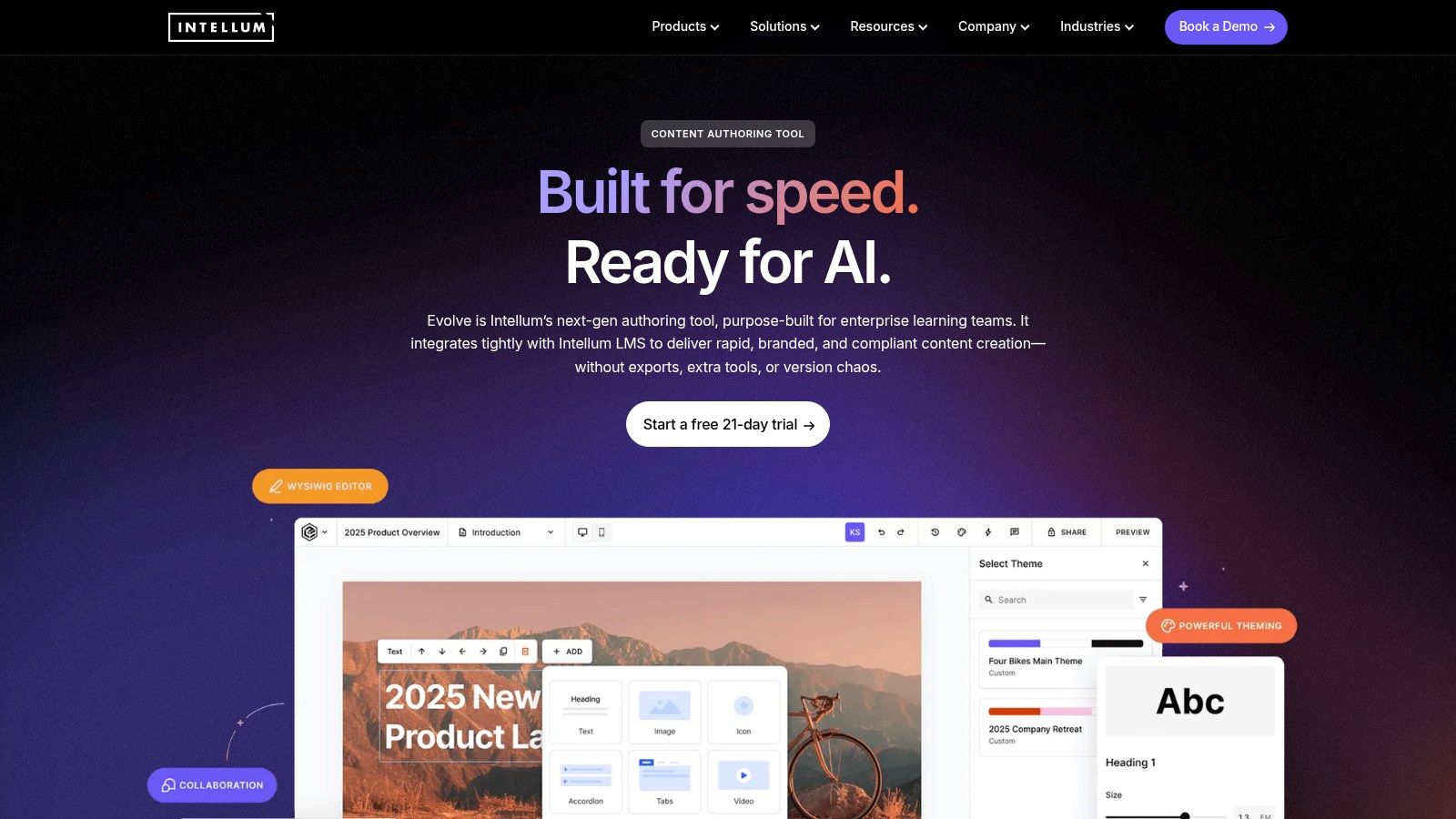
Evolve sits between rapid block-based tools and deeper theming systems. It is browser-based, it has a large component library, and it is especially good for web-style courses that need to feel modern without becoming a full custom build. For teams that care about visual polish and structure, that balance is attractive.
Where it shines
Evolve works well for scrolling content, themed pages, and interactive elements that feel lighter than a traditional slide canvas. It also supports comments and review workflows, which helps when stakeholders want to give page-level feedback.
Where it is weaker
The public pricing picture is less consistent than the more transparent tools, and the learning curve can surprise teams moving from older slide-based authoring styles. It's also less comfortable when you need highly custom or heavily reworked legacy course structures. In practice, it rewards teams that are willing to learn its patterns properly.
Best for: modern web-style courses, collaborative teams, and organisations that want strong theming.
Less suited to: teams chasing a fully public price list or a simple slide-to-course workflow.
The website is Evolve Authoring.
9. H5P.com hosted H5P
H5P.com is not a full course authoring replacement, and that distinction matters. It is best when you need fast, hosted interactive objects, not full SCORM-heavy courses. Think quizzes, hotspots, branching scenarios, and small learning interactions that plug into an existing LMS or LTI environment.
Where it fits
Higher education and public-sector teams often like H5P because it is quick, familiar, and modular. Hosted support also reduces the admin burden compared with self-managed open-source use. If you already use H5P content types and want scale and vendor support, it makes sense.
Where it struggles
It won't replace a full authoring suite in most workplace learning stacks. SCORM packaging isn't native, so you may need wrappers or alternative delivery logic. That is fine if your need is interactive objects, but frustrating if you want one tool to do everything.
H5P is a good reminder that the “best” tool depends on the job. Sometimes the right answer is not a course builder at all, but a focused interaction layer.
The website is H5P.com.
10. Learning Pool Authoring
Learning Pool Authoring, built on Adapt, is a practical option for UK and Irish buyers who want supported responsive authoring with procurement-friendly routes. It takes the open-source Adapt model and adds vendor support, governance, and enterprise delivery options. That combination matters when internal teams need help, not just software.
Where it makes sense
It is strong in public-sector and enterprise environments where procurement routes matter as much as features. The Adapt base gives you responsive, scrolling course structures, while vendor support reduces the burden on internal teams that do not want to self-host everything.
Where it can disappoint
Micro-interactions are more limited than in slide-based tools, and pricing is quote-based. If your team wants rich game-like interactions or advanced bespoke branching, it may feel too restrained. But for clean, dependable, maintainable output, it is a credible choice.
For buyers in Ireland and the UK, the procurement angle is often the deciding factor. A tool that can be bought, deployed, and supported within your route to market is more useful than a more flexible product nobody can approve.
The website is Learning Pool.
Top 10 eLearning Authoring Tools: Feature Comparison
| Tool | Core features ✨ | UX / Quality ★ | Value & Pricing 💰 | Target audience 👥 | USP / Best fit 🏆 |
|---|---|---|---|---|---|
| Articulate 360 (Storyline + Rise) | Dual authoring, SCORM/xAPI/cmi5, 20M+ assets, review workflow ✨ | ★★★★☆, mature, flexible | 💰 Higher annual cost; all‑in subscription | 👥 ID teams, enterprises needing both rapid + custom | 🏆 Best for teams needing both rapid micro‑learning and deep interactivity |
| Adobe Captivate | Responsive authoring, software simulation capture, LMS export ✨ | ★★★★☆, strong sims & responsive output | 💰 Subscription pricing; channel variance | 👥 Software trainers, Adobe‑centric teams | 🏆 Industry pick for software/system simulation training |
| iSpring Suite | PowerPoint→course, quizzes, screen‑cam, narration, SCORM ✨ | ★★★☆☆, very fast PPT workflows | 💰 Predictable, cost‑effective licensing | 👥 SMEs, PPT‑centric L&D teams | 🏆 Fastest route from PowerPoint to LMS‑ready course |
| Lectora (ELB) | Desktop+online, WCAG 2.2 AA, governance & template automation ✨ | ★★★★☆, robust for accessibility & logic | 💰 Enterprise pricing; higher cost | 👥 Regulated orgs, accessibility‑focused teams | 🏆 Best for complex branching, governance and strict WCAG compliance |
| dominKnow | ONE | Slide + responsive modes, cloud reuse/versioning, sims ✨ | ★★★★☆, strong LCMS & collaboration | 💰 Quote‑based (enterprise) | 👥 Large, multi‑brand content operations | 🏆 Content reuse, multi‑brand governance and lifecycle management |
| Create by Confirm (Elucidat → Create) | AI‑assisted outlining, brand locking, TTS, localization ✨ | ★★★★☆, enterprise scale & analytics | 💰 Sales‑quoted; suite pricing | 👥 Enterprises, UK/IE public sector | 🏆 Scaled branding + fast localization with integrated analytics |
| Easygenerator | Rapid cloud authoring, templates, EU hosting, co‑authoring ✨ | ★★★☆☆, simple, collaborative | 💰 Transparent public pricing; good EU value | 👥 SMEs and EU/IE buyers prioritising GDPR | 🏆 Clear pricing + EU hosting (GDPR‑forward) for quick authoring |
| Evolve Authoring | Component‑based responsive authoring, theme editor, components ✨ | ★★★★☆, modern web‑style courses | 💰 Quote‑based; mid‑market | 👥 Agencies, web‑style course creators | 🏆 Fast, scrollable web courses with strong theming & components |
| H5P.com | 40+ interactive content types, LTI, xAPI event tracking ✨ | ★★★☆☆, excellent for bite‑size interactivity | 💰 Tiered plans; price calculator available | 👥 Higher ed, public sector, dev teams | 🏆 Rapid creation of interactive objects and LTI integration |
| Learning Pool Authoring (Adapt) | Adapt‑based responsive authoring, templates, procurement routes ✨ | ★★★★☆, proven in enterprise/public sector | 💰 Quote‑based; procurement frameworks | 👥 Public sector & large enterprises | 🏆 Open‑source flexibility with vendor support and public‑sector compliance |
Turning This Shortlist Into a Confident Decision
The right shortlist starts with three questions. Who is building the courses, in-house designers, PowerPoint-trained staff, or subject-matter experts? Which LMS and standards do you have to support? Can your budget and procurement route handle quote-based pricing, or do you need public pricing before you even begin?
Then test only the finalists on the same real module. Use one screen capture, one branching scenario, and one accessibility check. Score each tool on editing effort, review speed, and how painful it is to update the finished course after feedback. If the course takes a specialist too long to maintain, it will become a bottleneck even if the first version looks good.
That is especially true in Ireland, where online learning demand is high and workplace training is a major use case as shown in the Eurostat and CSO figures cited earlier. A tool that helps you publish, revise, and govern learning without drama is usually the safer buy than a more impressive platform that only one author can use well.
If in-house capacity is the main constraint, not the software, Loresson can fill the gap with editor-ready or fully finished training production. It turns scripts, procedures, and compliance requirements into structured course assets quickly, so your team can spend less time assembling media and more time reviewing a course that's ready to deploy.
If you need bespoke workplace training without the drag of a long authoring cycle, Loresson can produce editor-ready or fully finished courses built around your script, compliance needs, and branding. It's a practical fit when you want the learning outcome of an authoring tool shortlist, but not the production burden that usually comes with it. Visit Loresson to see how fast your next course can move from brief to LMS-ready handoff.